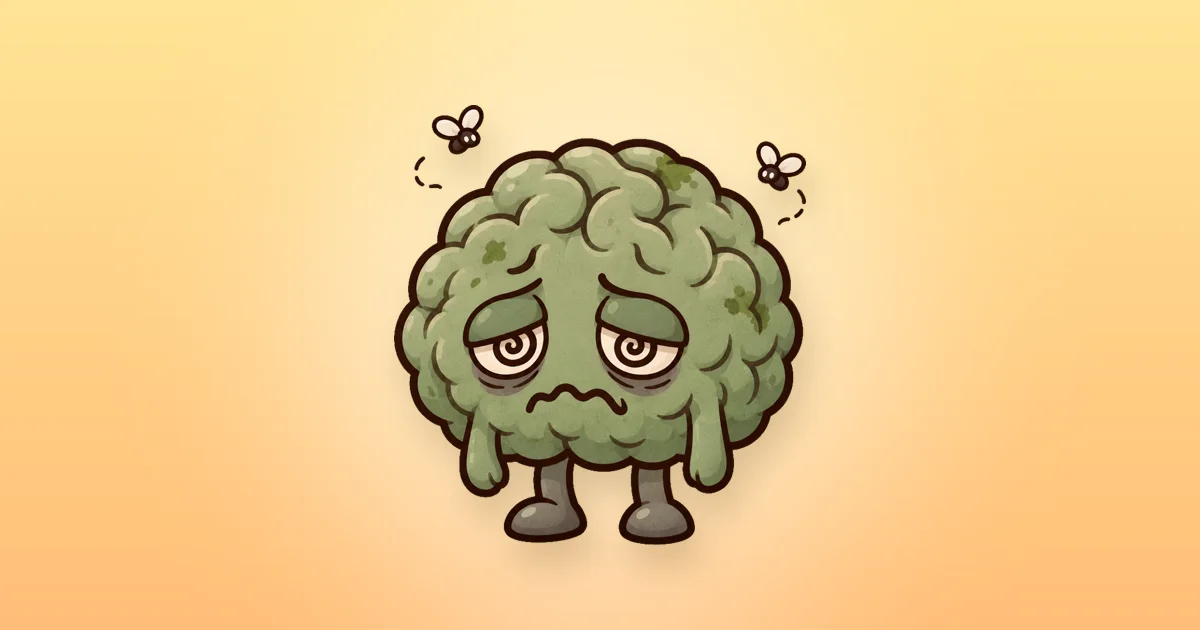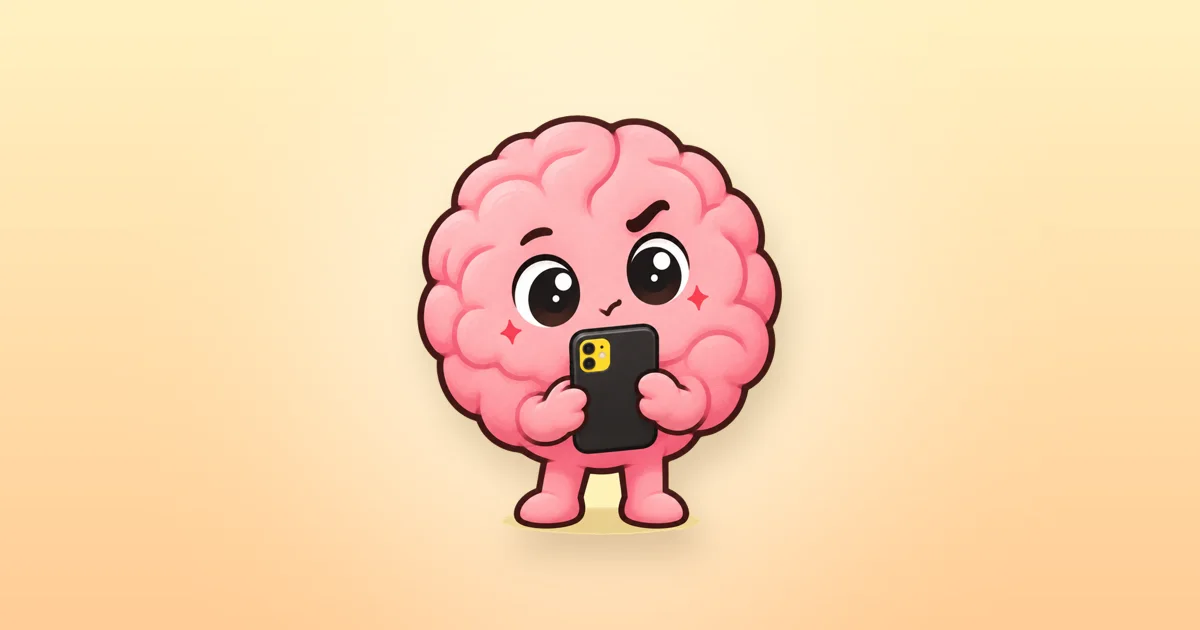
A dopamine detox for your phone means a break from instant-reward apps (feeds, Shorts, Reels) so slower things feel worth doing again. The realistic version: 7 days with feed apps blocked in BlockGain, short unblocks for real needs, and a plan for the gaps.
The short version:
- The name is loose: it is really a break from instant-reward apps, not from dopamine.
- Block the feeds, keep messages, maps, music and anything for school or work.
- Keep a short way in, so one real need doesn't end the week.
- Plan the gaps: what you do instead matters most.
What "dopamine detox" really means
Dopamine is part of how your brain learns what to want. You can't detox from it, and you wouldn't want to. The popular idea is simpler than the name.
Take a break from apps built for endless, instant novelty, so slower things stop feeling dull. A book, a walk or a long video you chose on purpose get a fair chance again.
We built BlockGain for exactly this kind of reset. It blocks the apps you choose with Apple's Screen Time, and keeps everything else on your phone working.
Why a gentle detox beats a hard one
The classic version is a whole day with no phone at all. It sounds brave, and it rarely survives a Tuesday. Your phone is also your bank, your maps and the way your friends reach you.
A gentle detox targets only the apps that pull you in. That is why it lasts long enough to change the habit. A rule you can keep for seven days teaches more than one you break on day two.
Before you start: pick your apps
Open Settings → Screen Time and look at your most used apps. You are looking for the two or three that are pure scroll: short videos, endless feeds, the one you open without deciding to.
BlockGain's home screen shows the same picture, with screen time, pickups and top apps. If you are not sure what counts as a lot, read how much screen time is too much.
 BlockGain's brain mascot, staring at a phone. Day one is about noticing when you do the same.
A 7-day plan
Each day adds one small change. By the end, the setup runs by itself.
| Day | What to do | Why it helps |
|---|---|---|
| 1 | Look at Screen Time; pick your 2–3 feed apps | You start from your real habits |
| 2 | Put them in a daily limit with short unblocks | The scroll stops being automatic |
| 3 | Add a bedtime block | Nights stop disappearing |
| 4 | One focus session a day, phone face down | You feel what focus is like again |
| 5 | Use Minimal for YouTube or Instagram if you need them | You keep the useful part only |
| 6 | Fill one gap with a walk or a book | The habit gets a replacement |
| 7 | Check your numbers; keep what worked | The setup becomes yours |
Day 2: the daily limit
In BlockGain, the daily limit is free for up to 3 apps. The apps you choose stay blocked all day and show a stop screen.
The stop screen has one button: "Ask my inner self". Tapping the notification it sends opens BlockGain for two slow breaths with the brain mascot. If you still badly need the app, pick 5, 10 or 15 minutes; it locks again when the time is up, even while you're in it.
You pick a budget for the day, from 15 to 120 minutes, and each unblock spends 5, 10 or 15 of them. When it is gone, the apps stay blocked until midnight. More on why this works in why a short unblock beats a hard block.
Day 3: the bedtime block
The Sleep Foundation says screens can delay sleep and recommends avoiding them in the hour before bed. A bedtime block makes that the default rather than a nightly decision.
BlockGain Pro has a Bedtime preset that shuts your feed apps at night and opens them in the morning. Apple's Focus modes can quiet notifications at the same time.
 BlockGain's Bedtime preset. The feeds sleep when you do.
For a full night routine, see a bedtime phone schedule.
Day 4 and 5: focus, and the useful parts
On day four, run one focus session with BlockGain's free focus timer. Twenty-five minutes is plenty to start. A Live Activity shows the countdown in the Dynamic Island and on the Lock Screen.
On day five, if you need YouTube or Instagram, open them in Minimal (Pro). YouTube comes without Shorts, and Instagram without Reels or the feed. Messages and search still work.
What to keep on your phone
Messages, calls, maps, music, your bank and anything you need for school or work. The goal is less scrolling, not less life.
If a detox cuts you off from people, it won't last. Keep the parts of your phone that connect you, and block the parts that only keep you swiping.
After the seven days
Most people keep the daily limit and the bedtime block and loosen the rest. That is the point: a setup you keep, not a challenge you finish.
If the scroll creeps back, tighten one app, not all of them. Our seven steps to stop doomscrolling on iPhone cover what to do next.
The daily limit and focus timer are free. Pro is $19.99 a year with a 7-day free trial, $4.99 a month, or $39.99 once. There is no account and no ads, and BlockGain never sees which apps you use.
Sources
- Apple Support: Set up Screen Time for yourself on iPhone
- Apple Support: Set up a Focus on iPhone
- Sleep Foundation: How does blue light from electronic devices affect sleep?
Common questions
Is a dopamine detox scientifically real?
The name is a simplification. Taking a break from instant-reward apps is a practical habit change, not a medical treatment.
Do I need to delete my apps?
No. Blocking them for the week is easier to undo and keeps your accounts.
What if I need Instagram for messages?
Use a short unblock from your daily limit (5, 10 or 15 minutes), or BlockGain's Minimal, where messages work without the feed or Reels.
Can I do this for free?
Yes. BlockGain's daily limit for up to 3 apps and the focus timer are free.
What should I do after the seven days?
Keep the parts that helped, usually the daily limit and a bedtime block, and loosen the rest.

We build BlockGain, the screen time app for iPhone that blocks the apps that eat your day, with a breathing pause and a few minutes when you really need one. We write about focus, phone habits and getting your time back.