
Scroll less.
Live more.
BlockGain blocks the apps that eat your day. Need one for real? Take two slow breaths, pick 5, 10 or 15 minutes, and it locks again by itself.

Free to download.
7-day free trial on Pro.
 46


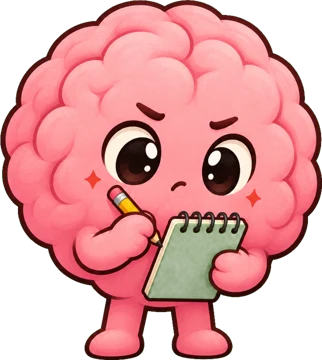
A pause before the scroll
The apps you pick stay blocked. When you really need one, ask your inner self: breathe first, then take 5, 10 or 15 minutes. Then it locks again, all by itself.
-
Step 19:41
 Instagram is blocked
Close it and get back to your day. Really need it? 25 min left today.
Ask my inner self
Open a blocked app
A calm stop screen shows up instead of the feed.
-
Step 2Friday 28 November9:41
BlockGainnow
Need Instagram? Tap to ask your inner self. 25 min of today's limit left.Ask your inner self
Tap "Ask my inner self" on the stop screen, then tap the notification.
-
Step 39:41Breathe in 6
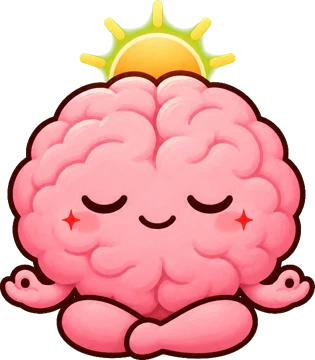 Still need Instagram? 5 min10 min15 min
Breathe, then decide
Two slow breaths with the brain. Never mind, or take 5, 10 or 15 minutes.
-
Step 49:419:59trail.days♡ 💬 ➤slow.mornings
It locks again by itself
A countdown sits in the Dynamic Island. At zero, the app is blocked again.
What scrolling costs you
Three hours a day adds up faster than it feels.
 3 hours a day of scrolling
About 45 days a year
Gone to feeds, Shorts and Reels.
 With BlockGain
Your time, back
For sleep, study, friends and the things you meant to do.
Example: 3 hours × 365 days is about 1,095 hours, or 45 days.
 Minimal
Keep the app.
Lose the endless scroll.
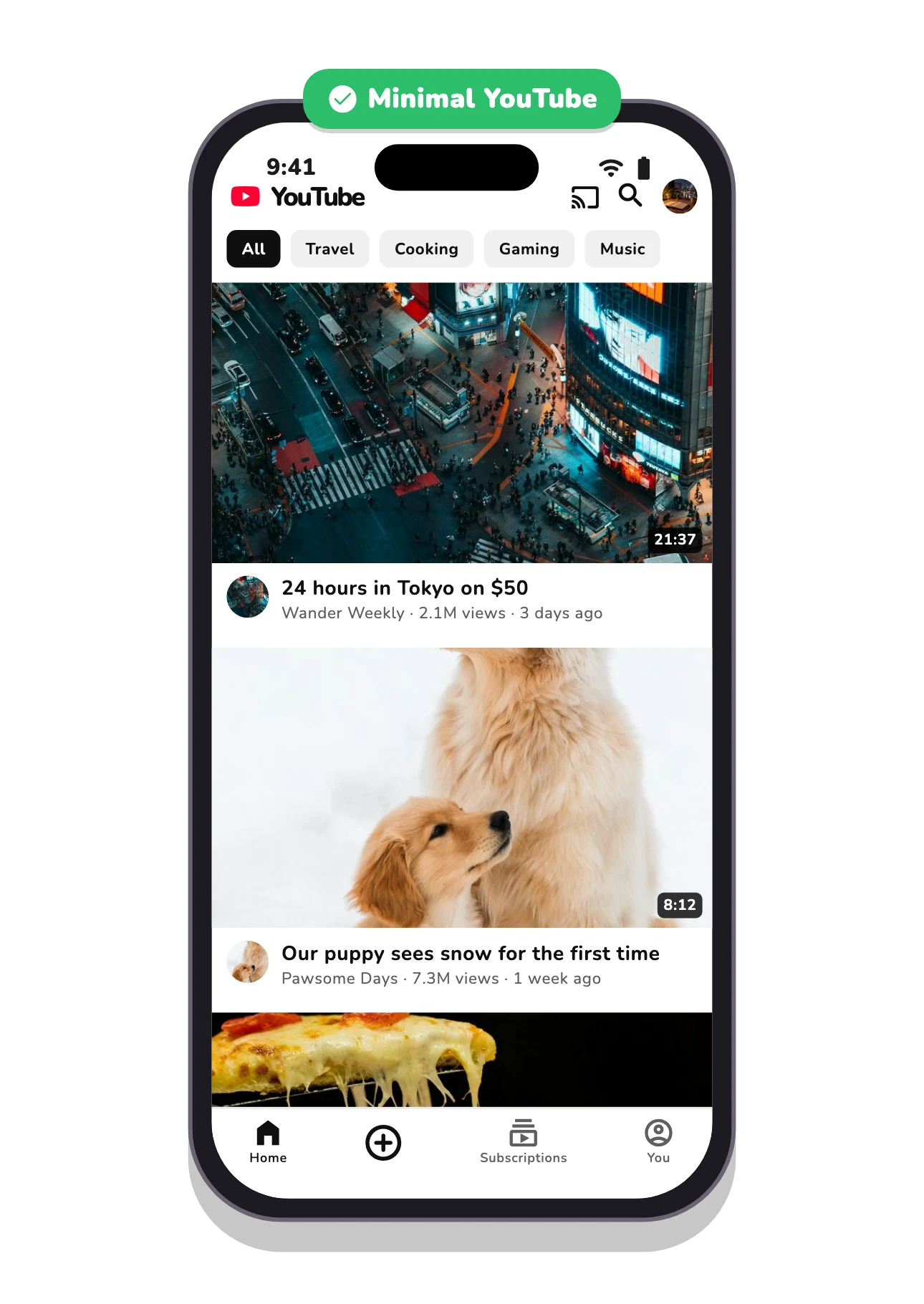
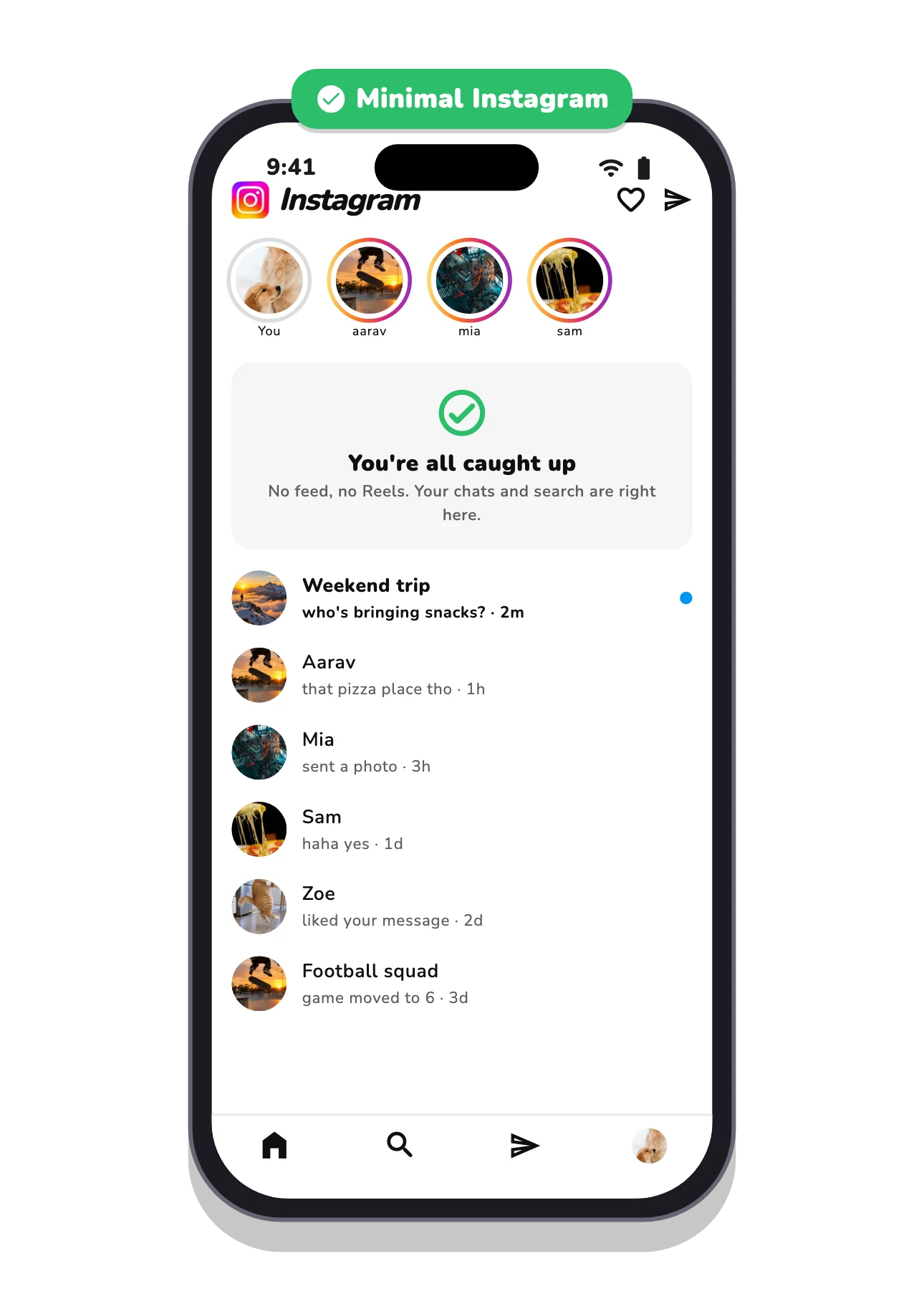
Open YouTube and Instagram inside BlockGain with the addictive parts switched off. No Shorts, no Reels, no endless feed. Messages, search and your subscriptions still work.
CleanFeeds and Reels gone QuietBlack and white
 ZenOnly the essentials
 CustomYour own switches
Everything you need to focus
Built on Apple's Screen Time, so the blocks are real.
 Daily limit
Your apps stay blocked. Breathe first, then spend your daily minutes 5, 10 or 15 at a time.
 Focus timer
Timer or Pomodoro. A live countdown on your Lock Screen.
 Schedules
Bedtime, work and study. Set once, blocks every day.
MinimalYouTube and Instagram without Shorts and Reels.
 YouTube study mode
Only your study channels play while you focus.
 Strict mode
No stop button. For the days you really mean it.
Ready-made schedules
Start from one, change anything.
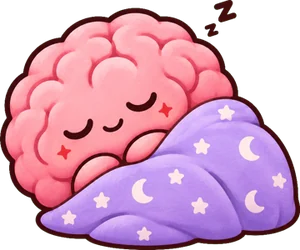 Bedtime10 PM – 7 AM
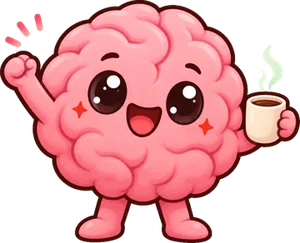 Morning6 – 9 AM
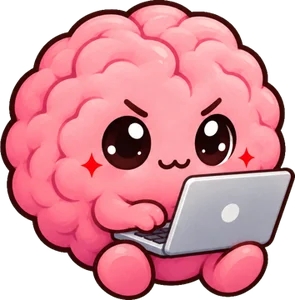 Work hours9 AM – 5 PM
 Study time5 – 8 PM
 Family dinner7 – 8:30 PM
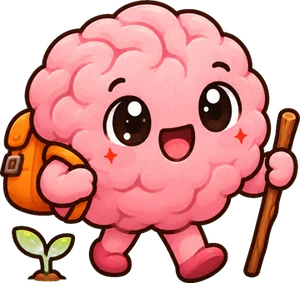 Weekend detoxSat and Sun Tough when you need it
No easy way out
For the days willpower isn't enough.

Start free. Go Pro when you're ready.
The daily limit is free for good. Pro unlocks everything.
Free
- Daily limit for up to 3 apps
- Focus timer
- Screen time and top apps
Pro
- Unlimited apps and schedules
- Pomodoro, Strict mode, Highlights
- Minimal and YouTube study mode
- Website blocking and prevent uninstall
Prices in US dollars; the App Store shows your local price. Subscriptions renew until cancelled in your Apple ID settings.
Your screen time stays on your phone
BlockGain uses Apple's Screen Time. Apple keeps your usage on your iPhone and BlockGain never sees which apps you use. No account, no ads, no tracking. Privacy policy
Guides to get your time back
Practical, no-nonsense help for doomscrolling, focus and sleep. All guides · Compare apps
 The best app blockers for iPhone, compared
 How to stop doomscrolling on iPhone
 How to watch YouTube without Shorts
 Pomodoro for students
Questions
Does it really block apps?
Yes. BlockGain uses Apple's Screen Time, the same system behind iPhone's own limits. A blocked app shows a stop screen instead of opening.
What if I really need an app?
Tap "Ask my inner self" on the stop screen. BlockGain sends a notification; tap it, take two slow breaths with the brain, and if you still need the app, open it for 5, 10 or 15 minutes. Your daily limit sets how many minutes you get, and the app locks again when the time is up.
Is BlockGain free?
Yes, it's free to download and the daily limit for up to 3 apps stays free. Pro unlocks everything else, with a 7-day free trial on the yearly plan.
Can BlockGain see what I do on my phone?
No. Apple keeps your screen time on your iPhone and only lets the app show it, never read it. There's no account and nothing is uploaded.
Can I end a focus session early?
A normal session, yes: tap Leave early and hold for 5 seconds. In Strict mode, no: there's no stop button until it ends.
Is there an Android version?
Not right now. BlockGain is for iPhone.
I left a tip before BlockGain went paid. Do I keep everything?
Yes. Everyone who tipped keeps Pro for life. On a new phone, tap Restore on the plans screen.
Take your time back
Set your daily limit in a minute. Your future self says thanks.